Best Offline AI Tools (No Internet Needed) – 2026 Guide
Quick Summary
Artificial Intelligence is powerful, but most people are still dependent on the internet to use it.…


Artificial Intelligence is powerful, but most people are still dependent on the internet to use it. Every time you open an AI tool, you need a connection, login access, and sometimes even a paid plan. This dependency becomes a real problem when your internet is slow, unavailable, or when you simply don’t want your data stored on external servers.
This is where offline AI tools completely change the game. Instead of relying on cloud servers, these tools run directly on your computer. Once set up, they don’t need internet access and they don’t send your data anywhere. Everything stays on your system, which makes them faster, more private, and often more flexible than online alternatives. In 2026, offline AI is no longer just for developers. Even beginners can now use it easily.
Why Offline AI Tools Are Becoming So Popular
The shift toward offline AI is happening for very practical reasons. It’s not just about avoiding the internet — it’s about gaining control.
Privacy is one of the biggest factors. When you use online AI tools, your inputs are usually processed on external servers. Even if companies claim data safety, many users still feel uncomfortable sharing sensitive information. Offline AI removes this concern completely because nothing leaves your device.
Another major reason is consistency. Online tools depend heavily on server performance and internet speed. Sometimes responses are instant, and other times they are delayed or limited. Offline tools provide a much more stable experience since everything runs locally.
There’s also a growing frustration with subscriptions. Many AI platforms are moving toward paid models, and free versions are becoming increasingly restricted. Offline tools, in contrast, are often open-source or one-time setup solutions, which makes them far more appealing in the long run.
Best Offline AI Tools You Can Use in 2026
Let’s now look at some of the most useful offline AI tools. Instead of just listing features, I’ll explain how each tool actually feels to use and where it fits best.
LM Studio – A Simple Way to Run AI Locally
If you’ve ever used an AI chatbot and wished you could have the same experience without internet, LM Studio is probably the closest thing to that.
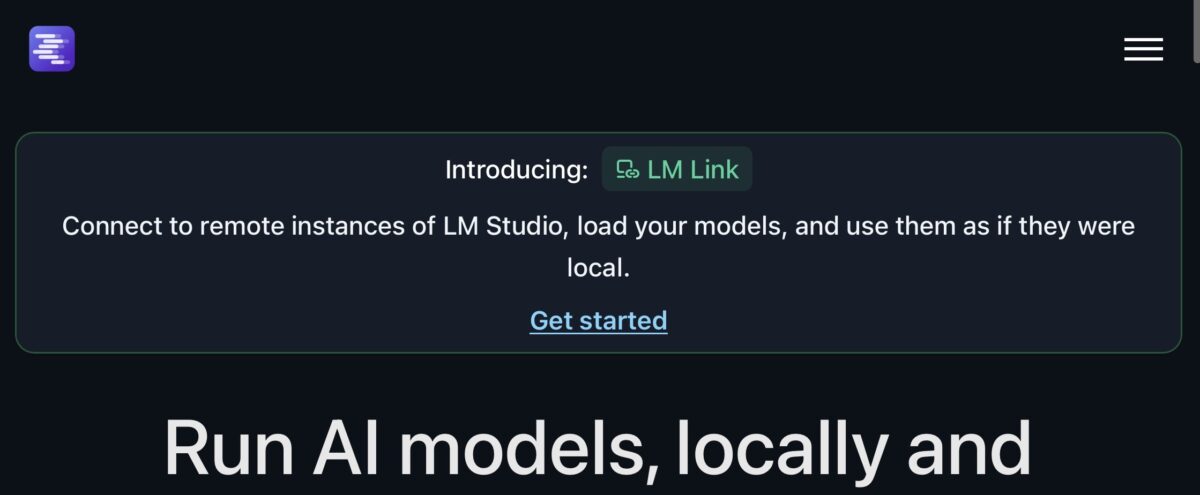
After installing it, you can download a model and start chatting with AI in a clean interface. It feels very similar to using an online chatbot, but the difference is that everything runs on your machine.
What makes LM Studio stand out is how beginner-friendly it is. You don’t need technical knowledge to get started. Within a few minutes, you can have a working offline AI assistant that can help with writing, brainstorming, or even basic coding questions.
GPT4All – Offline AI for Almost Any Computer
Not everyone has a powerful system, and that’s exactly where GPT4All becomes useful. This tool is designed to work on lower-end machines, so even if your system isn’t very powerful, you can still run an AI model locally.
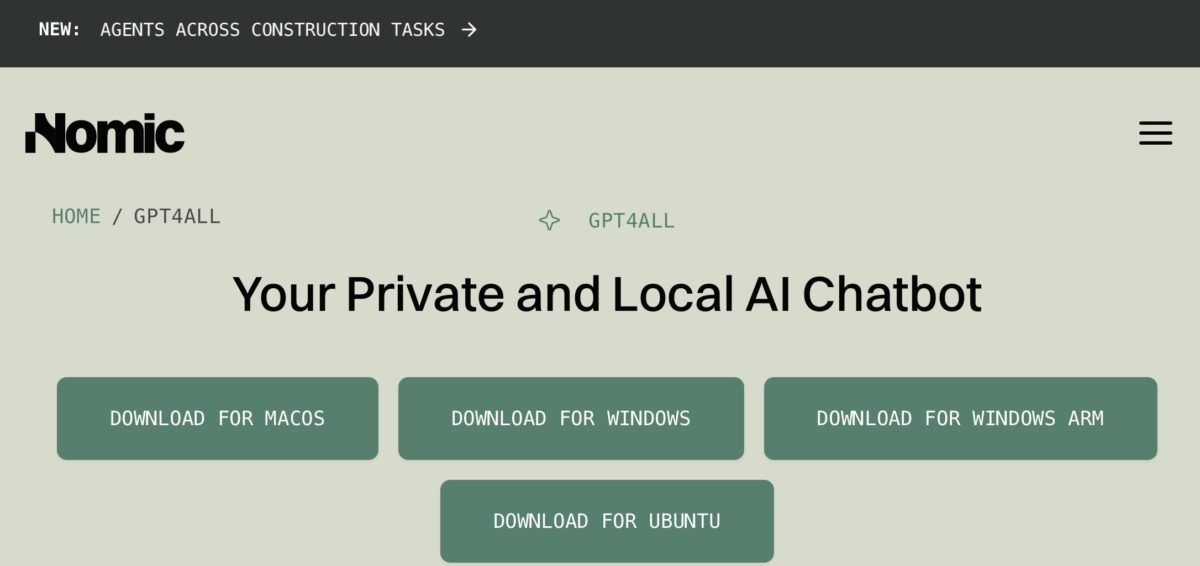
The responses may not be as advanced as larger models, but for everyday tasks, it works surprisingly well. It’s especially helpful for students who want a simple offline assistant for writing or understanding topics without needing constant internet access.
Ollama – When You Want More Control
Ollama feels different compared to beginner tools. It’s more focused on control and flexibility rather than simplicity. With Ollama, you can run different AI models and integrate them into your own workflows.
It’s widely used by developers who want to build applications or automate tasks using local AI. Even though it sounds technical, once you understand the basics, it becomes a powerful tool that can replace many online AI services.
Whisper – Turning Audio into Text Without Internet
Whisper is one of those tools that quietly solves a very real problem — converting speech into text without relying on online services.
Once installed, it can process audio files and generate accurate transcriptions directly on your device. This is extremely useful if you work with videos, podcasts, or recorded lectures.
The most impressive part is its accuracy, especially considering that it works offline. For creators who want privacy and control, this tool is incredibly valuable.
Stable Diffusion – Create Images Without Going Online
Image generation is one of the most exciting uses of AI, and Stable Diffusion makes it possible even without an internet connection.
After setting it up, you can generate images simply by describing what you want. Everything happens locally, which means you are not limited by online credits or restrictions.
It does require a bit more setup compared to other tools, but once it’s running, it gives you a level of creative freedom that online tools often restrict.
How to Get Started Without Feeling Overwhelmed
If you’re new to offline AI, the idea of installing models and running them locally might sound complicated. But in reality, it’s much simpler than it seems.
The easiest way to start is by using a tool like LM Studio. It provides a visual interface where you can download a model and start using it immediately. You don’t need to worry about technical details in the beginning.
Once you get comfortable, you can explore tools like GPT4All or Ollama depending on your needs. The key is to start small and gradually understand how these tools work.
It’s also important to keep in mind that offline AI depends on your system’s performance. A better CPU or GPU will give faster and more accurate results, but even basic systems can handle lighter models.
The Future of Offline AI
Offline AI is growing fast, and it’s not just a temporary trend. As hardware becomes more powerful and models become more efficient, running AI locally will become even easier.
In the near future, we might see a shift where people rely less on cloud-based AI and more on personal AI systems that run entirely on their own devices. This change will give users something that has been missing for a long time — full control over their AI experience.
Final Thoughts
Offline AI tools are not just an alternative — they are a powerful upgrade for anyone who wants more privacy, stability, and independence. Whether you are a student, a creator, or someone who simply wants to explore AI without limitations, these tools can open up a completely new way of working.
You don’t need to switch everything at once. Start with one tool, explore it, and slowly build your own offline AI setup. Once you get used to it, going back to fully internet-dependent AI might not feel the same anymore.
Share this article
Related Articles
Continue reading similar stories.


Trending Now
Popular articles readers are exploring.

Xiaomi 17 Pro Review – The New Flagship Evolution

Lenovo Legion Pro 7i Review 2026 – The Ultimate Gaming & Creator Laptop

Vivo X200 FE Full Review in 2026: Price, Camera, Features & Performance

iPhone 17 Air Full Review: Price, Camera, Battery & Features