
A Practical AI Coding Assistant That Works Like a Teammate, Not Just Another Chatbot
AI tools have become a normal part of modern development. Today, most developers already rely on GitHub Copilot for code suggestions, ChatGPT for debugging, or other AI assistants to explain logic. These tools definitely make life easier, but they still work in a very similar way — you ask something and they respond. In short, they assist you.
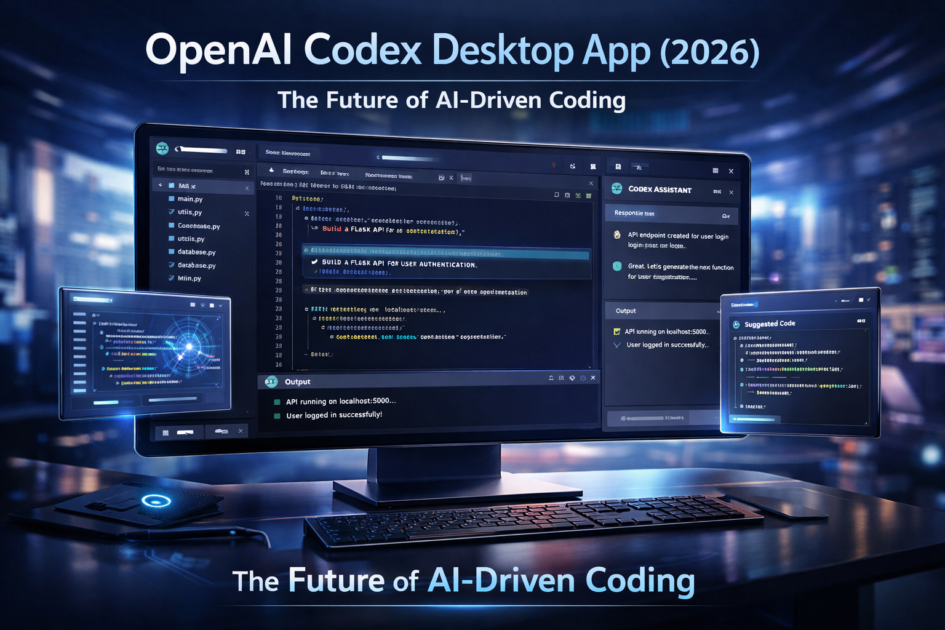
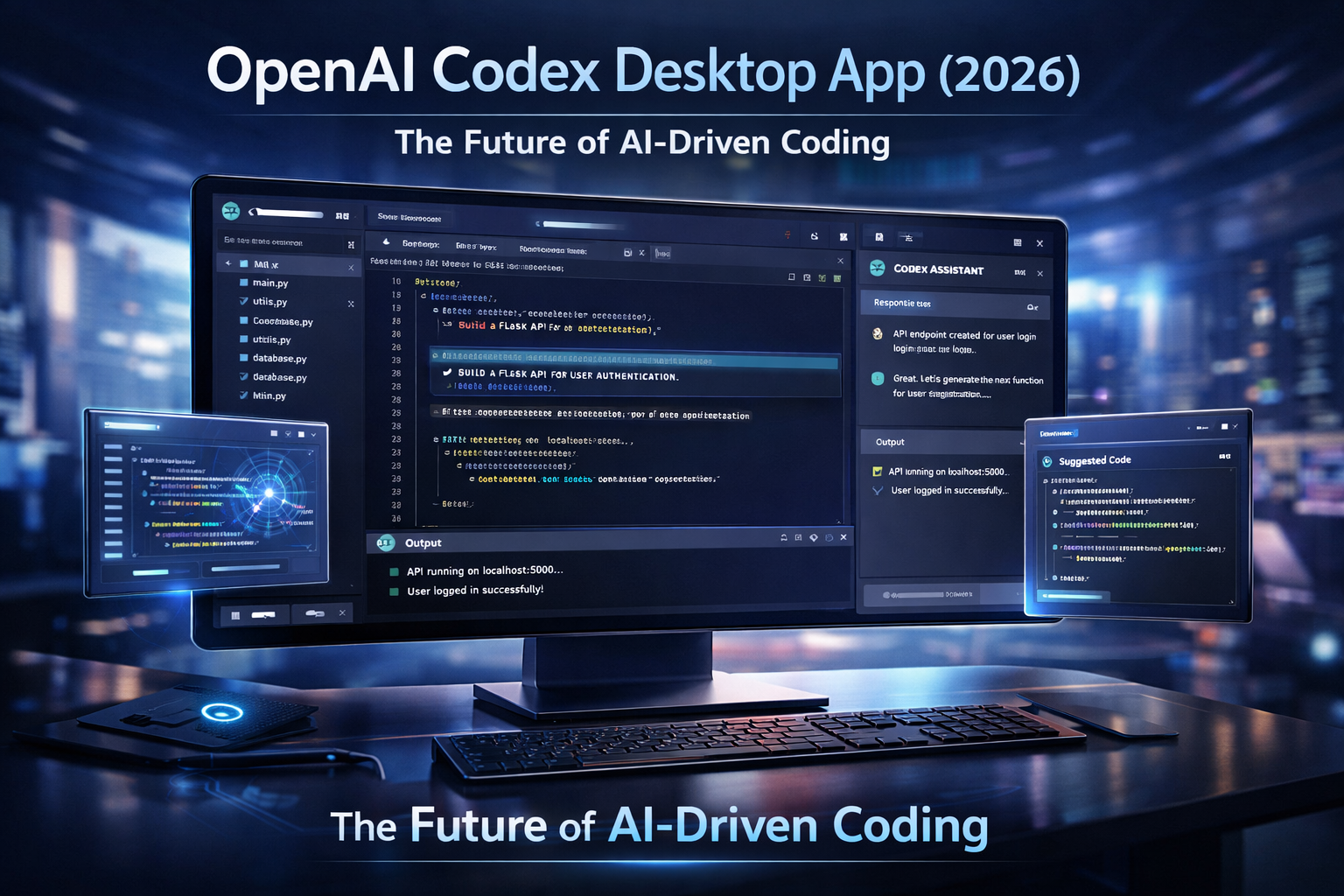
OpenAI’s Codex Desktop App, however, takes a slightly different approach. Instead of simply answering prompts, it focuses on taking responsibility for tasks and executing them in the background.
That small shift changes the entire experience. Rather than feeling like a chatbot, Codex feels more like a teammate working alongside you.

What is the Codex Desktop App?
The Codex Desktop App is a native macOS application by OpenAI, designed specifically for developers who work on real-world projects.
Unlike browser-based AI tools or simple editor extensions, Codex runs as a separate workspace where you can connect your Git repositories and assign tasks directly.
You don’t just generate code snippets. You assign actual work like:
- writing tests
- reviewing files
- refactoring modules
- updating documentation
It then processes those tasks independently while you continue your main development work. This makes it far more workflow-oriented than traditional AI assistants.
How Codex is Different from Existing AI Coding Tools
Most current AI tools focus on speeding up typing. Codex focuses on reducing workload.
Here’s a quick comparison to make things clearer:
| Tool | Main Purpose |
| GitHub Copilot | Line-by-line suggestions |
| ChatGPT | Answering coding questions |
| Codex Desktop | Completing full tasks independently |
So instead of helping you write faster, Codex helps you finish more work without manual effort. That’s a more meaningful improvement for serious developers.
Where Codex Actually Saves Time
If you look at a typical development day, writing new features is only part of the job. A large portion of time goes into maintenance tasks such as testing, debugging, cleaning code, and documentation.
These tasks are necessary but repetitive, and they often slow down progress. Codex is built exactly for this part of development. While you focus on building something important, it can simultaneously handle the smaller background tasks that usually consume your time.
For example, you can assign it to generate unit tests for older modules or review a folder for potential issues. By the time you’re done with your main feature, those tasks are already prepared for review. This parallel workflow significantly reduces context switching and saves mental energy.
Multi-Agent System: The Core Advantage
One of Codex’s strongest features is its multi-agent architecture. Instead of running one instruction at a time, it launches multiple AI agents that work independently.
So you’re not waiting for tasks to finish sequentially. You can have:
- one agent writing tests
- another refactoring files
- another preparing documentation
All at the same time. For medium to large projects, this can noticeably speed up development cycles. It feels similar to having extra team members who handle the repetitive work.
Safety and Control for Developers
AI modifying your codebase automatically can sound risky. OpenAI has addressed this carefully. Every Codex task runs inside an isolated workspace, similar to a separate Git branch. Nothing touches your main project until you review and approve the changes. This keeps the workflow safe and predictable.
You stay fully in control, just like reviewing a teammate’s pull request. Because of this design, Codex feels suitable for production projects rather than just experimentation.
Automation: The Most Practical Benefit
Beyond smart agents, one underrated feature of Codex is automation. Many small tasks repeat daily or weekly — checking tests, summarizing builds, updating documentation, or cleaning warnings. These aren’t difficult tasks, but they quietly waste time.
Codex can schedule these jobs automatically. Instead of manually repeating the same steps, you simply review the prepared results. Over time, this adds up to significant time savings, especially for teams.
Who Should Consider Using Codex?
Codex isn’t necessary for everyone. If you’re learning programming or working on small scripts, traditional AI tools are enough.
But for developers managing larger projects or multiple responsibilities, Codex can be extremely helpful. It’s best suited for:
- full-stack developers
- startup teams
- SaaS builders
- agencies
- teams with large repositories
The bigger and more complex your project, the more useful Codex becomes.
Current Limitations
Since it’s still new, Codex does have some limitations. Right now, it’s available only on macOS and still requires manual review of all changes. It’s not fully autonomous and shouldn’t be treated as a replacement for developers.
But that’s actually a good thing — it keeps the tool reliable and safe. Think of it as assistance, not automation without control.
Final Thoughts
After trying several AI coding tools over the years, most feel like smarter keyboards. Codex feels different because it focuses on workflow improvement rather than just code generation.
It quietly handles background work so you can focus on what actually matters. And in real development, that’s far more valuable than saving a few keystrokes.
If you already rely on AI while coding, the Codex Desktop App is definitely worth exploring. It may not look flashy at first, but the time it saves during daily work makes a noticeable difference.
Sometimes, the best tools aren’t the ones that shout the loudest — they’re the ones that simply make your job easier.